In one of my last LinkedIn posts, I talked about how LinkedId, I talked about how the CodeCrafters' Claude Code path is a great resource for learning how these AI-assisted CLI tools work under the hood. Here I'm going to do a deep dive into its details.
First, any LLM is a tool that takes text and returns text. It calculates what the most probable text output will be, based on the data it has been trained on. In summary, LLMs can't think or be proactive. An LLM is a language model that gets your text, puts it on a series of matrices, and calculates a median answer for you. Not the best, not the worst, the median.
Of course, you would ask how it can search, read, and write in my code? Or even go to Linear or Figma to get information from those services? The answer is that it doesn't do any of that. What does it is the CLI tool.
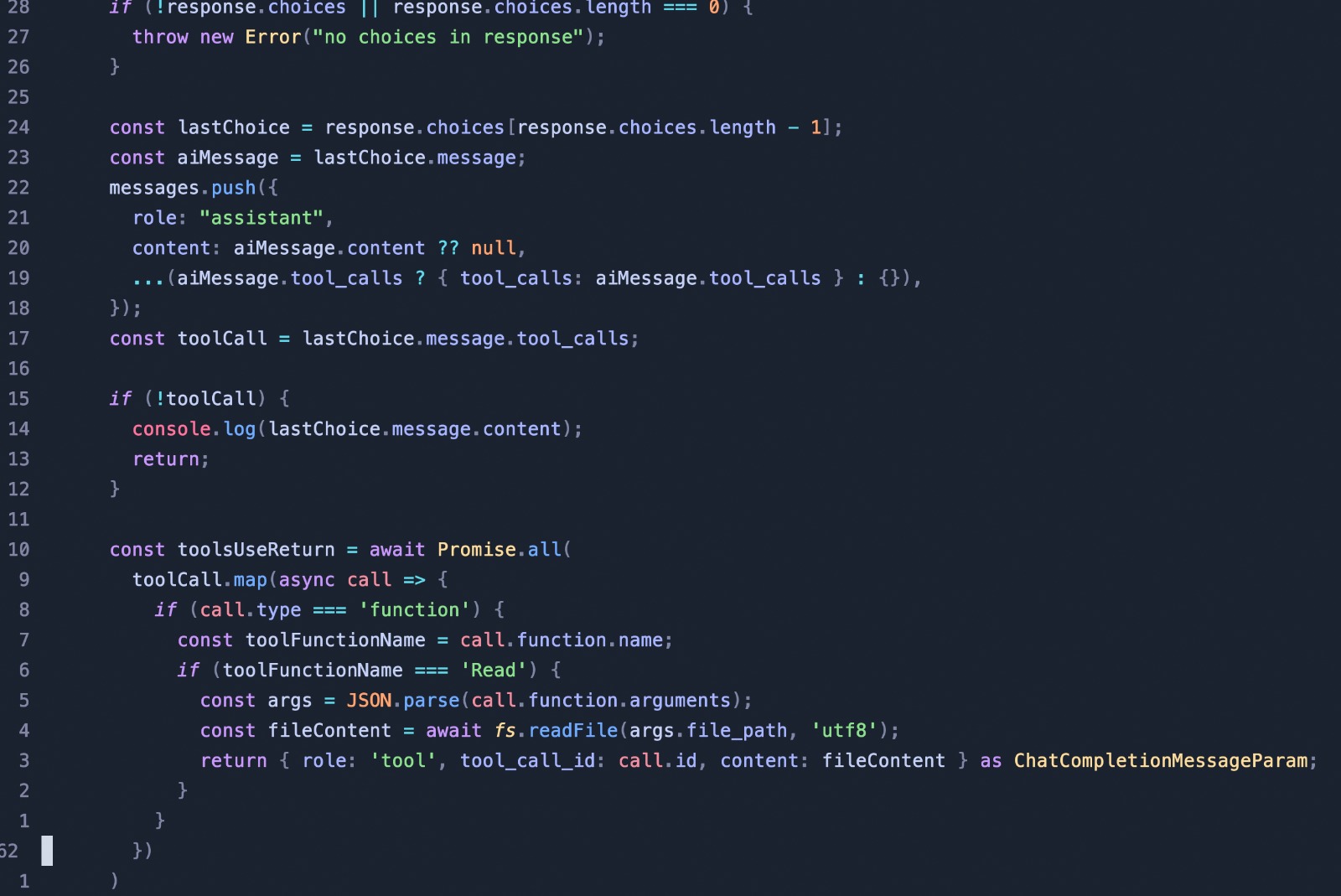
CLIs like Claude Code and Codex, or even IDEs like Cursor, work with what they call tools. Tools are a series of functions and descriptions that tell the LLM what it can ask for in your environment. If the LLM needs to read a file, it asks the CLI to run the READ tool. Then the CLI will read the file using whatever tool it has in its code and send the result to the LLM, like a regular message, but as a system message instead of a user one.
That is why older LLMs don't know how to use tools. This is a feature that they had to be trained to respond to and ask for. And each new tool has to be coded inside the AI-assisted system itself.
The READ, WRITE, and other tools are just regular code. That is why RTK-ai works so well. In Claude Code's case, it trades Node's file-reading class for regular grep, ls, git, and other bash tools that already have better performance.
Knowing that all LLMs does is calculate text based on what they were trained from is one of the things that separates a dev that is only beginging to use them to a senior one.